Flow Our step by step guides
All Devices and Apps are supported
How to Install Our IPTV STREAM+ Service
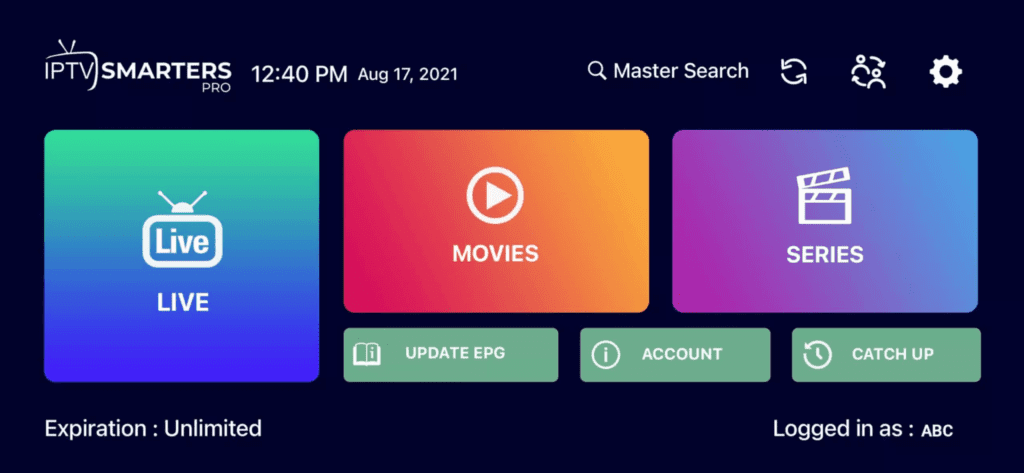
- Downloadan king IPTV app like smarter pro or tivimate..etc. The apps are compatible with various devices, including smartphones, tablets, smart TVs, and set-top boxes (you can find the installation tutorial for each device below).
Subscribe to our king IPTV service by visiting our Home page. Choose the plan that best fits your needs and enter your billing and payment information. Once your subscription is confirmed, you will receive your login credentials via email
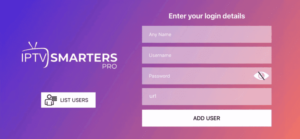
- Launch the king IPTV app on your device and enter your login credentials provided during the subscription process.
Navigate to the King IPTV channel list to choose your desired channels. Channels are organized by country and category, including sports, news, entertainment, and more.
- Enjoy your king IPTV service with high-quality streaming. You can also access on-demand content, including movies and TV shows, by selecting the VOD category.
If you encounter any issues or have any questions while using King IPTV, please contact our customer support for assistance. Our friendly and knowledgeable support team is always available to help you resolve technical issues and answer any questions you may have.